A headrest isn’t necessary—your monitor height matters far more. If you’re typing constantly, skip it and focus on positioning your screen at eye level instead.
But headrests do help during long phone calls or when you’re reviewing documents while reclined. The catch? They take up space and won’t fix slouching habits on their own. Your work style determines whether you need one.
Want to know exactly how to decide what’s right for your setup?
How Neck Pain Develops During Desk Work
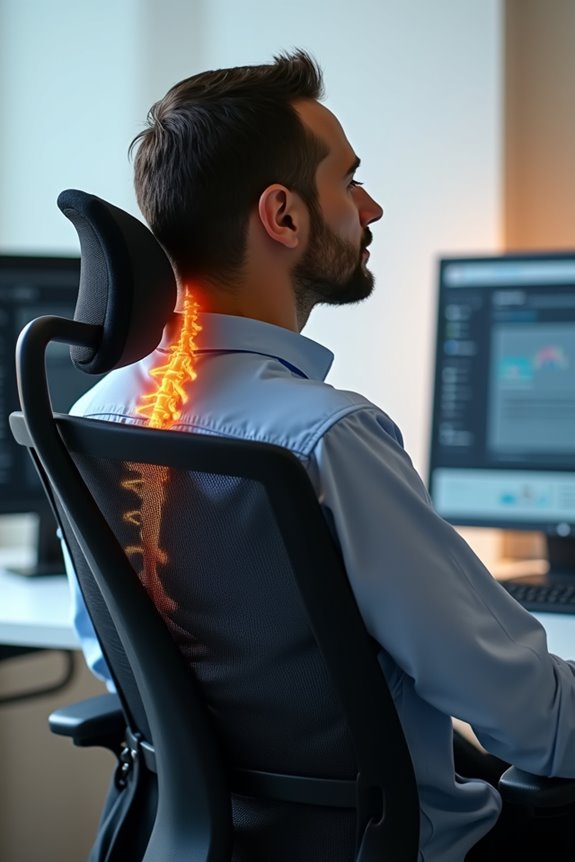
Why does your neck start screaming around 3 p.m.? I’ve been there. Your workstation setup matters more than you’d think. When your monitor sits too low, you crane your neck downward all day. That forward head posture—what we call “tech neck”—shifts your head’s weight away from your spine. Your neck muscles stay constantly engaged, fighting gravity hour after hour. By afternoon, fatigue sets in hard.
Static positions cause problems. Your shoulders tense up. Stress amplifies everything when your workstation isn’t right. A quality headrest can help support your head’s weight, reducing strain on those overworked muscles. But here’s the truth: a headrest alone won’t fix poor monitor height or slouching habits. You need both proper setup and support working together. Your neck will thank you for the adjustment.
Does a Headrest Actually Improve Your Posture?
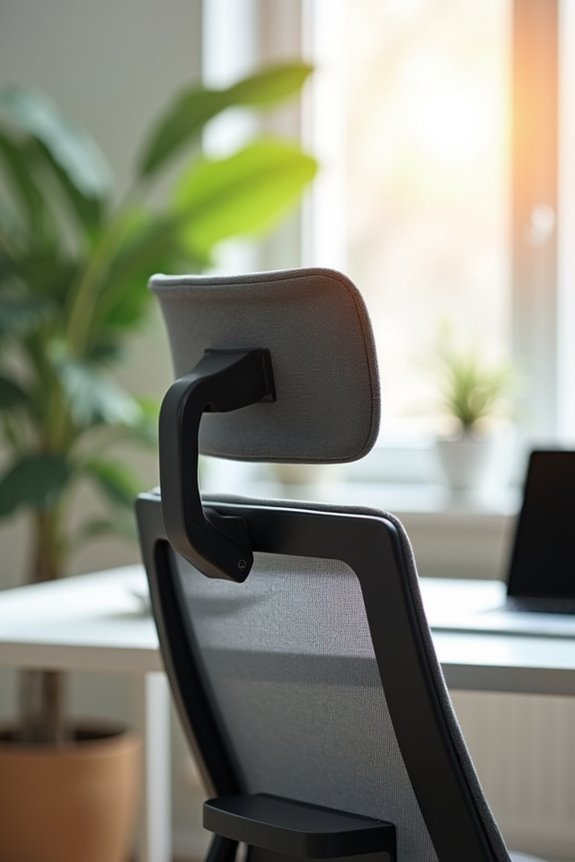
So you’ve fixed your monitor height and sit up straighter now—but your neck still feels tight by day’s end. A headrest alone won’t fix your posture. Here’s the thing: an adjustable headrest works best when it’s part of your complete ergonomic setup, not a solo solution.
| What Helps | What Doesn’t |
|---|---|
| Headrest + proper chair alignment | Headrest only |
| Adjustable neck support | Fixed, one-size-fits-all design |
| Dynamic sitting with movement | Staying frozen in one position |
| Headrest during phone calls | Headrest as a posture crutch |
Your headrest supports your cervical spine during semi-reclined tasks, reducing neck strain. But it can’t replace good monitor positioning or regular movement. Think of it like adding the final piece to your ergonomic puzzle—important, yes, but only when everything else clicks into place first.
When You Actually Need a Headrest?
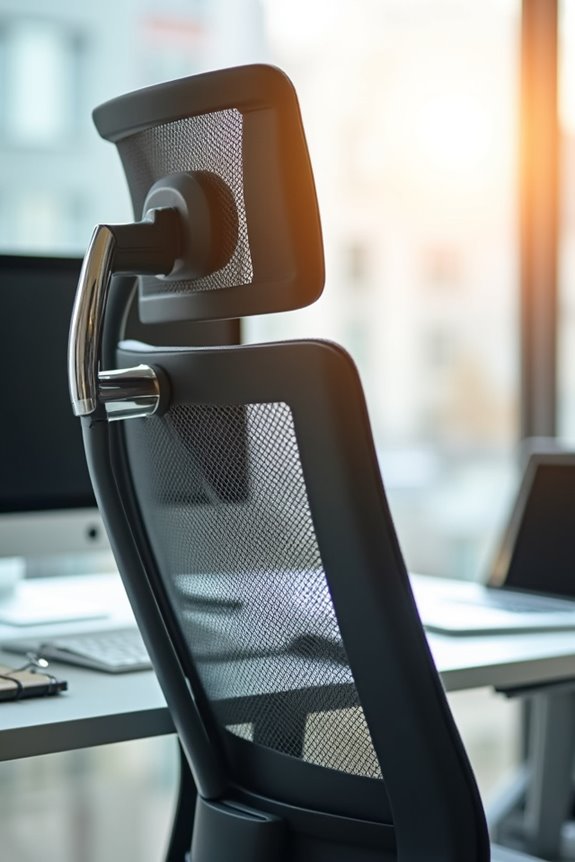
during those stretches when you’re leaning back.
You’ll benefit most from a headrest if you’re:
- Spending hours reading or taking long phone calls while reclined
- Struggling with weak neck extensor strength that leaves you exhausted
- Frequently tilting your head back during your workday
- Dealing with existing neck pain that worsens without support
A headrest won’t solve every issue—your workstation setup matters just as much. But here’s the honest truth: if you’re sitting upright at your desk all day, you probably don’t need one. However, if you’re someone who reclines regularly or notice your neck fatiguing easily, a proper headrest that aligns with your natural curve becomes helpful. Taller folks especially should test one since standard heights might push your head forward instead of supporting it properly.
Headrest Positioning for Comfort and Alignment
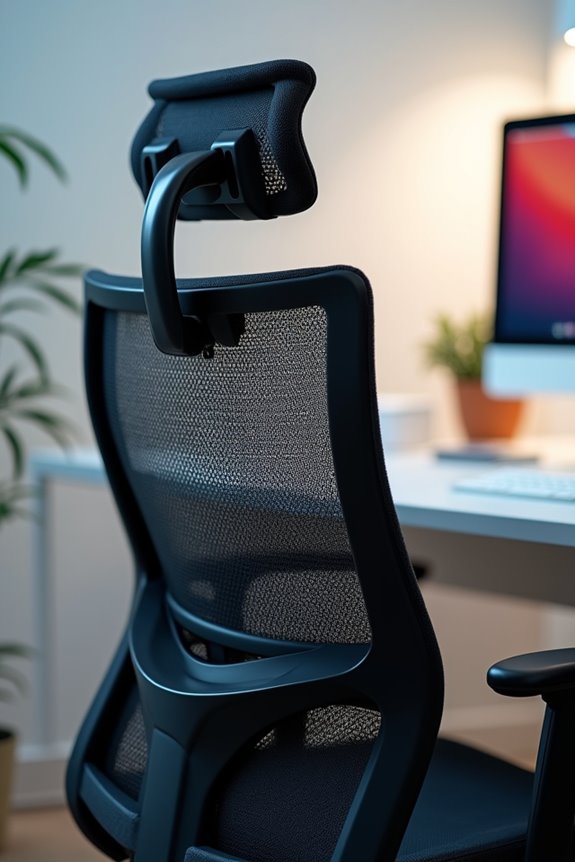
Getting your headrest right matters more than you’d think—I learned this the hard way when mine was cranked up so high it felt like it was pushing my chin toward my chest. The trick is matching three things: your headrest’s height, how far it sticks out from the chair, and the angle it creates with your spine, because even being off by an inch or two can turn neck support into neck strain. Let me show you how to nail each one so your headrest actually feels like a relief instead of a pain in the neck.
Finding Your Optimal Height
Once you’ve decided a headrest might work for you, the real challenge begins: getting the height just right.
I’ve learned that headrest height directly impacts your neck posture and overall ergonomic alignment. When I position mine incorrectly, I feel tension creeping in within minutes. Here’s what matters:
- Top placement: Position it level with or just below your head’s top for proper occipital support
- Depth consideration: Make sure it supports the back of your head without pushing you forward
- Neck curve matching: Align it with your natural cervical curve to enable micro-movements
- Task-specific use: Reserve it for reclining tasks and long rests, not upright desk work
I’d recommend testing your setup for two weeks. Does it ease your symptoms or worsen them? That answer guides your decision better than any guideline.
Depth and Forward Support
How far back should your headrest actually sit? Your headrest depth matters more than you’d think. You want it supporting the back of your head without pushing you into that awkward forward head posture we’re all trying to avoid.
Think of it this way—if your headrest sits too far forward, it’ll force your chin down like you’re perpetually texting. That kills your neck alignment and defeats the purpose entirely. Instead, position it so it cradles the back of your head comfortably during reclining posture, giving you proper back of head support without any pressure.
The sweet spot? Your headrest should nestle snugly against your skull, allowing micro-movements. This forward support strategy preserves your spine’s natural curve while you’re reclined, keeping everything aligned properly.
Angle Alignment With Spine
Why does your headrest angle matter so much? I’ll tell you—it’s the difference between feeling supported and feeling like your neck’s being pushed forward at an awkward angle.
Your headrest angle should match your neck’s natural curve. When it’s properly aligned, you get neutral cervical alignment, which means your spine stays in good condition. Here’s what matters:
- Your adjustable headrest tilts to follow your neck’s shape
- The angle prevents that annoying forward head posture
- It lets you make tiny comfortable movements while reclining
- Misaligned angles create unnecessary strain
Think of it this way: if your headrest angle doesn’t match your natural curve, you’re fighting against your own body. An adjustable headrest lets you find that sweet spot where everything clicks into place. That’s when you’ll notice the real comfort difference.
Headrest Trade-offs: Space, Desk Height, Recline
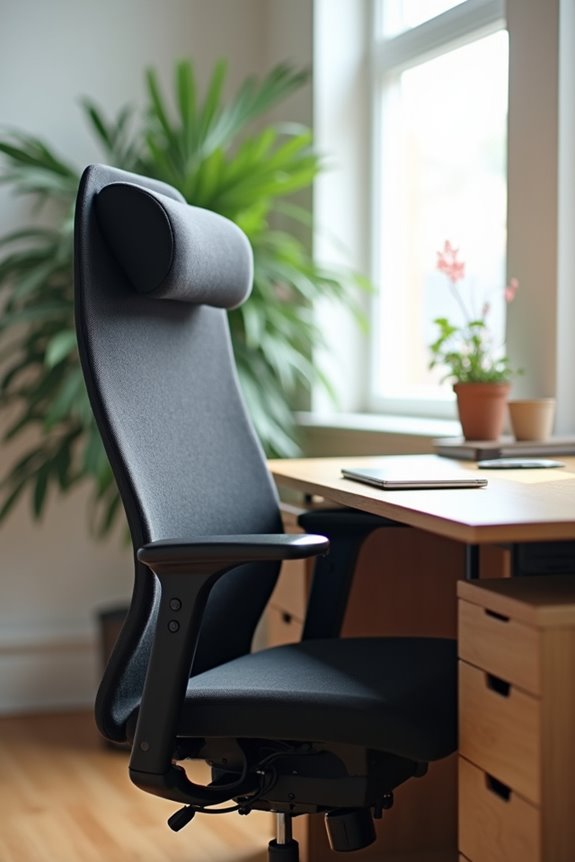
Adding a headrest to your office chair involves trade-offs you need to consider carefully. Headrests take up space behind your neck and shoulders, potentially cramping your arm movements when you’re typing or reaching for your mouse. Your desk height matters significantly. If your headrest sits too high, it’ll push your head forward during recline, affecting your posture when you should be resting. Monitor placement becomes more complex. Adjustable headrests help—you can fine-tune the angle and height to match your desk setup. For tight workstations, slim designs minimize intrusion. Before committing, honestly assess whether your workspace has room for this trade-off.
Office Chairs Without Headrests: When to Skip It
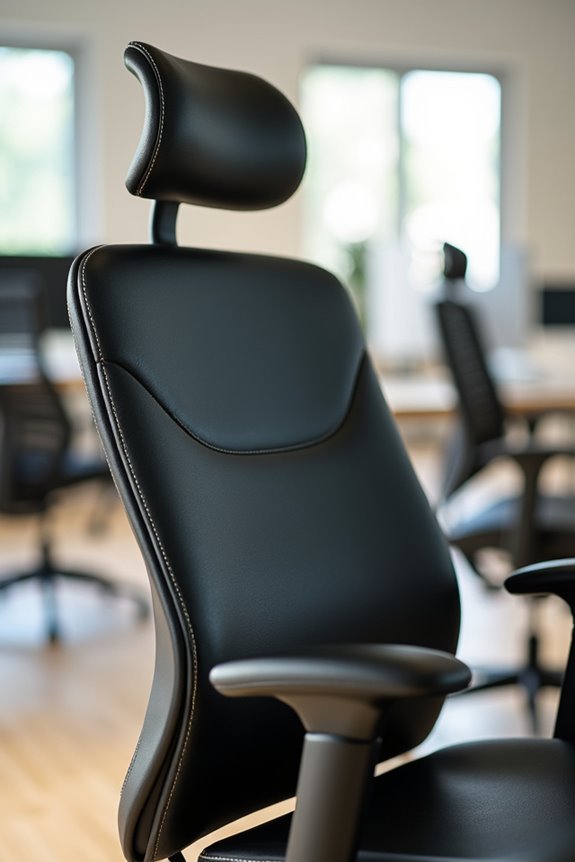
If you’re someone who moves around while working—typing emails, reaching for files, collaborating with colleagues—a headrest might actually work against you. I find that skipping the headrest keeps me engaged with my task because my spine stays neutral and my body resists the urge to sink back into a recline, which means I’m more likely to stay active rather than slump. When your workstation is set up right with your monitor at eye level and your desk at the proper height, you won’t need that head support anyway.
Active Sitting and Posture
Removing the headrest from your office chair might actually improve how you sit.
When you skip the headrest, you’re forced into active sitting—and that’s good for you. You’ll spontaneously maintain a neutral position because you can’t collapse backward. Your spine stays engaged rather than slumped.
Consider these benefits:
- Upright alignment: You’ll sit taller without leaning back excessively
- Core engagement: Your muscles work to support you, not the chair
- Better monitor height: You’re more likely to adjust your screen properly
- Natural posture: Your cervical spine stays neutral without head support
The real culprit behind forward head posture? Your monitor’s position, not your chair’s design. Fix that first. Chairs like the Flex system support active sitting, keeping you moving and engaged throughout your workday.
Workstation Setup Priorities
Why does your monitor sit so low that you’re practically staring down at your lap? That’s your real problem. Workstation setup matters far more than headrest features. Your monitor height, keyboard position, and mouse placement directly impact your neutral spine alignment. When I adjusted my monitor to eye level, my forward head posture disappeared. I positioned my keyboard at elbow height with relaxed shoulders. My lumbar support kicked in naturally without any headrest. This setup lets my spine stay balanced throughout the day. A chair without a headrest actually encourages better posture because I can’t slouch backward. Skip the headrest if your workstation setup is dialed in correctly. That’s where the real results happen.
Choosing Your Headrest Chair Based on Work Style
The best headrest setup really depends on how you actually work.
If you’re constantly typing, responding to emails, or sketching designs, you’ll want an upright posture that keeps you engaged. Chairs without headrests work better here—they encourage you to sit tall and support your thoracic and lumbar spine naturally. But if you’re spending hours on phone calls or reading documents, a headrest becomes valuable support.
Consider your typical day:
- Active desk work: Skip the headrest for better posture control
- Long phone calls: Headrest support reduces neck strain
- Reading or research: Reclining with headrest support provides comfort
- Taller frame: Adjustable headrests maintain proper alignment
Your ergonomic setup should match your actual work style, not the opposite. A headrest complements your desk height and monitor position—it’s not a replacement for good setup basics.